Drawings
When you click the "Drawings" button, a window opens where you can adjust how the elements will be arranged on the sheet material.
Element arrangement: You can manually change the placement of elements on the sheet to distribute them evenly. This is only possible for materials without textures. For textured materials, the program automatically determines the layout of the elements.
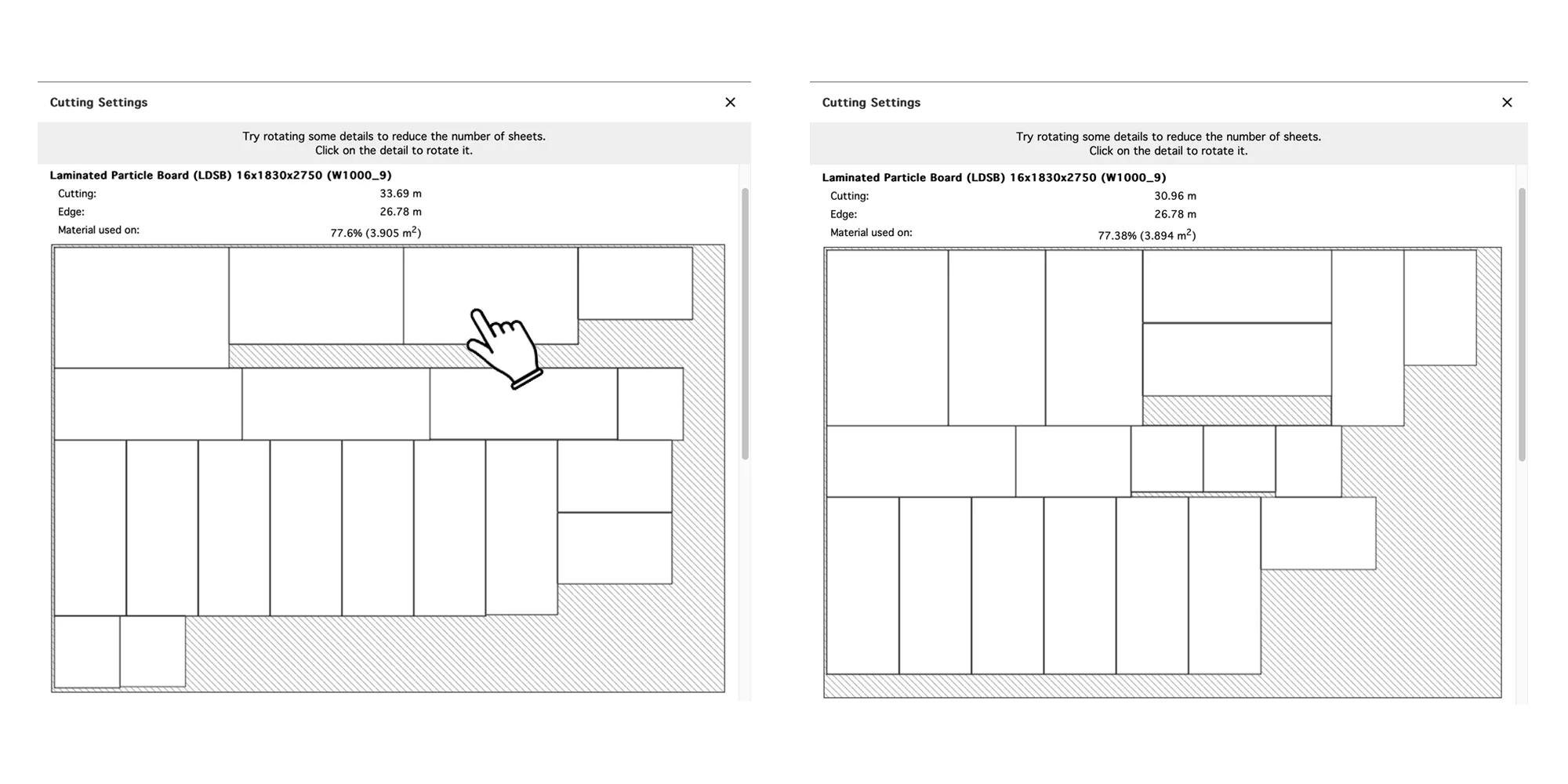
Texture rotation: To change the texture direction, you need to rotate the part directly in the project.
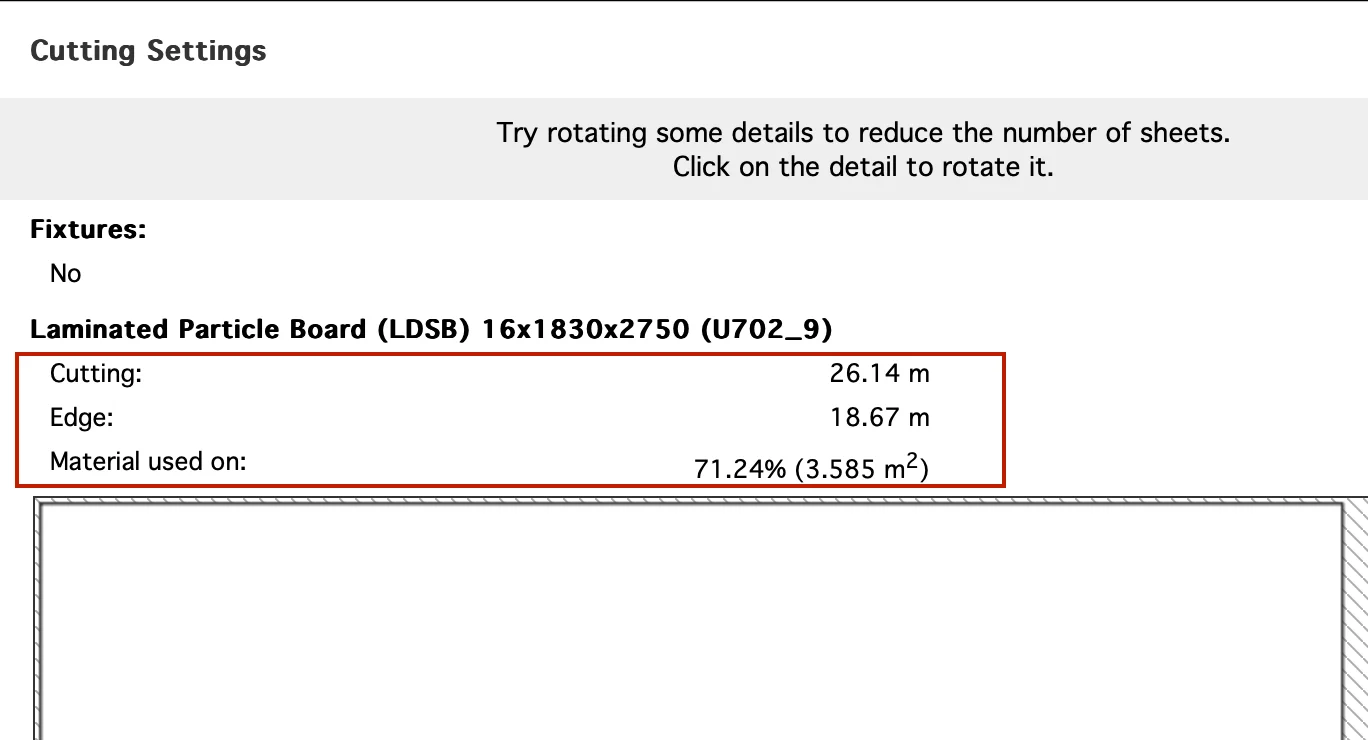
In the cutting window, you can also see the calculation of the following parameters:
- Cut length
- Edge trim
- Sheet usage percentage
It is recommended to place all elements on one sheet, as the cost is calculated per full sheet.
2024-11-29