Flatma is nesting software for CNC routers that lays out the parts of your 3D furniture project on sheets by their real outline. Curved and shaped parts nest by contour instead of by bounding box, small parts drop into the cut-outs of large ones, and every gap leaves room for the cutter. Each sheet exports as a DXF file, with no sizes to retype.
Try for Free →
A panel saw optimizer treats every part as a rectangle, because a saw cuts straight through the sheet. A CNC router works differently: the cutter travels around each part on its own. Arched tops, curved shelves and panels with cut-outs can sit close together, and a small part can be cut from the window of a large one. Doing that in separate nesting software means copying sizes and outlines out of your design by hand, then nesting everything again after each design change. The result is extra sheets, wrong sizes and hours lost before the machine even starts.

Choose CNC router as the machine in the Documents window, and the layout is worked out from the outlines of your parts. It updates by itself after every change to the model, so the sheets always match what you designed.
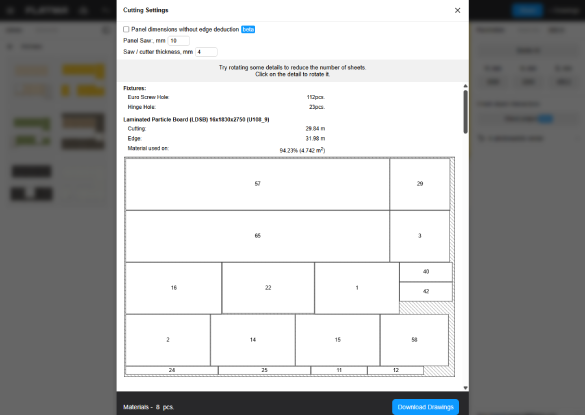
A summary line above the maps shows how many sheets and parts each material takes and how much of the stock the parts use, with a line of its own for every sheet.

The Machine list in the Documents window switches the layout between the two. Parts, part numbers and sizes stay the same; only the cutting plan changes.
Cutting rectangular cabinet parts on a panel saw? Our cut list optimizer article covers saw layouts, cut lists and kerf in detail.
Design once, then let the studio prepare the sheets for your router.
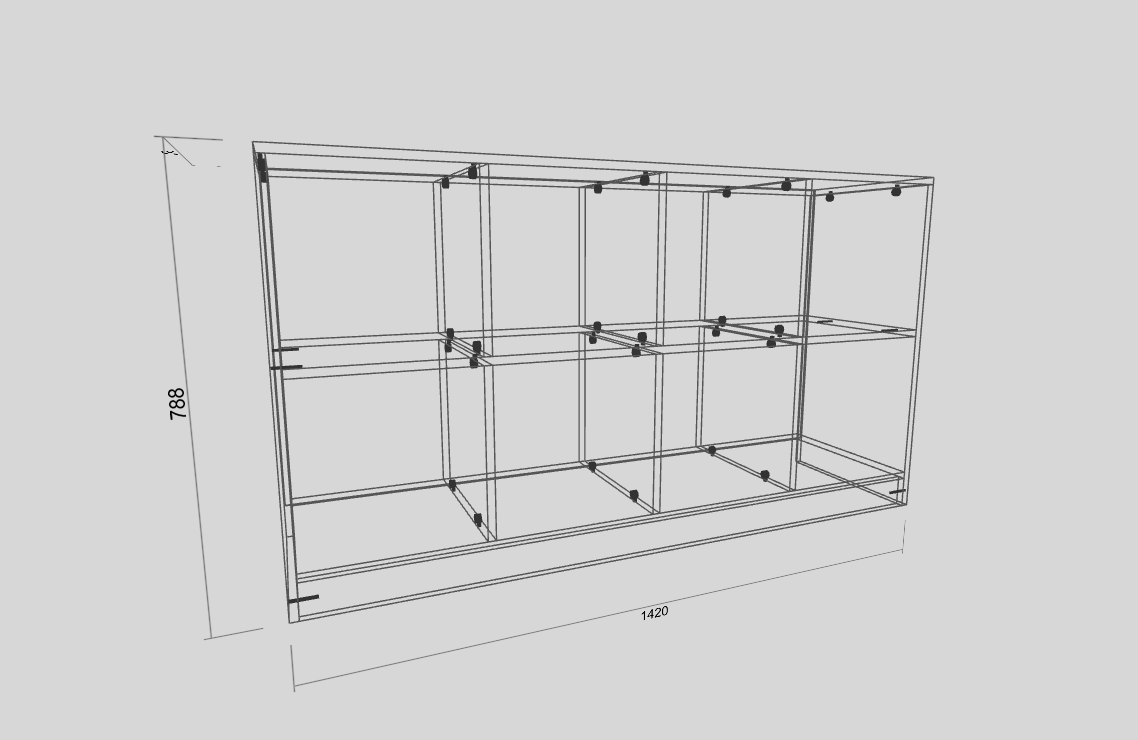
Build the furniture by hand, from the catalog or with the AI designer, or open an existing project. Curved edges, cut-outs and grooves are operations on the part itself.
Click Documents in the studio header and choose CNC router in the Machine list. Under Settings, enter the tool diameter and the margin from the sheet edge.
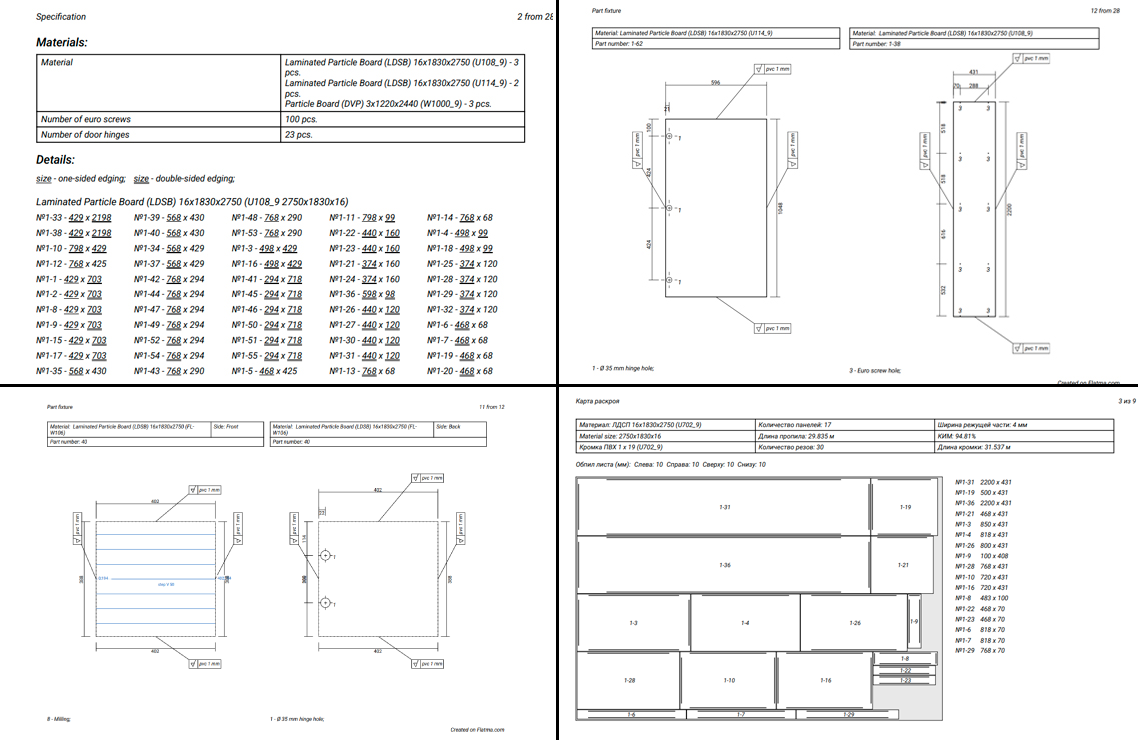
Every sheet material is listed with its sheet count. Each part on the map carries its number, the same one used in the specification and on the drawings.
Download, then CNC files (DXF), gives one ZIP with a file for every sheet, a file for every part and a README listing the layers.

You never redraw a contour for nesting: the part already has one. Whatever you do to a part in the studio shows up on the cutting map and in the DXF.
Nesting by outline is for sheet parts: particle board, MDF, plywood and other boards. Profiles and timber are laid out along the length of the bar.

Files for the machine come as one archive, built from the same model as the cutting maps. Part numbers in the files match the specification, the maps and the part labels.
Flatma is not a CAM system. Toolpaths, feeds and the machine program come from your CAM software, where you give each DXF layer its tool.
What changes when the sheet layout is built from the same model as your drawings.
Anyone who cuts sheet goods on a CNC router or prepares files for one.
Design the cabinet and get the sheet layout and DXF files for your own machine in the same place.
One set of part numbers on maps, drawings and labels keeps parts straight on the shop floor.
Hand the workshop cutting maps and DXF files of sheets and parts along with the 3D model.
Shaped shelving, kids furniture and decorative panels nest by their own outline.
Part DXF files at 1:1 in millimetres suit these cutters as well as routers.
See how many sheets to buy before you start, then send the DXF to your CAM software.